
How It Works
Turn rough product ideas into a plan you can actually build from.
Sprkla helps founders move from wireframes and scattered thinking to a clearer product plan. It does that by guiding you through setup, screen review, clarification, and plan generation in one place.
What Sprkla gives you
- A clearer product definition
- Structured requirements instead of scattered notes
- User stories and build steps in one place
- A simple way to share selected projects with read-only teams
- A repeatable process from wireframes to a usable development plan
The simple flow
The goal is not to make you think like a developer. The goal is to help you explain the product well enough that building it becomes much clearer.
1. Create a project
Start with a simple product name, a short description, who the product is for, and the stage you are aiming for. Sprkla gives your idea a clear place to live.
2. Choose a style direction
Pick a visual direction so the project has a clear look and feel before you move into wireframes and planning.
3. Upload your wireframes
Add the screens you already have. These can be rough sketches, simple mock-ups, or more polished wireframes.
4. Review the AI interpretation
Sprkla studies each screen and explains what it thinks the screen does. You can check that logic before moving forward.
5. Answer clarification questions
Sprkla asks practical follow-up questions to fill in missing detail. This helps turn a loose concept into a build-ready plan.
6. Get a build-ready plan
You get structured requirements, user stories, a build outline, and AI prompts that help move the product toward implementation.
How teams fit in
You can keep projects personal, or share selected projects with named teams. Team members can view what you shared, but only the project creator can edit the project or run AI actions.
What this is best for
Sprkla is useful when you have early screens, product ideas, or rough thinking, and you want a clearer plan before handing work to a developer or building with AI tools yourself.
Product Walkthrough
See each stage of the journey
These screens show how Sprkla takes a product idea from initial setup through to a structured plan.
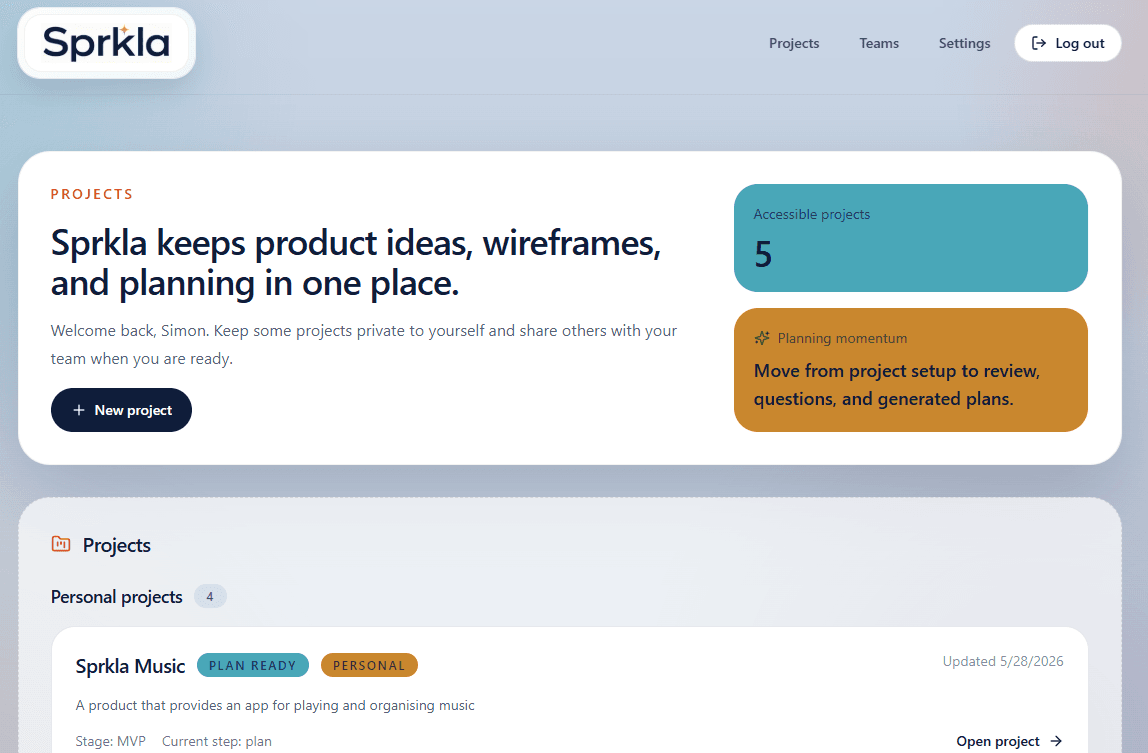
Projects dashboard
This is the main home for your work. It shows your personal projects and any projects you have shared with a team.
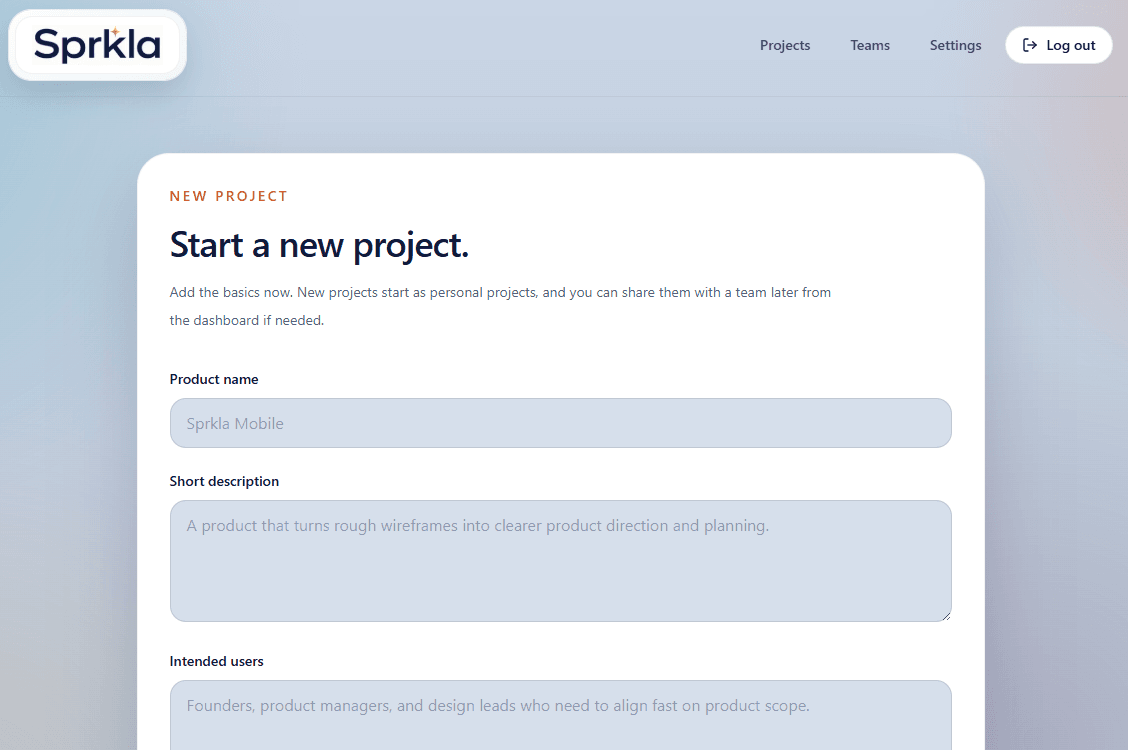
New project setup
This is where you describe the product in plain language so Sprkla has the right starting context.
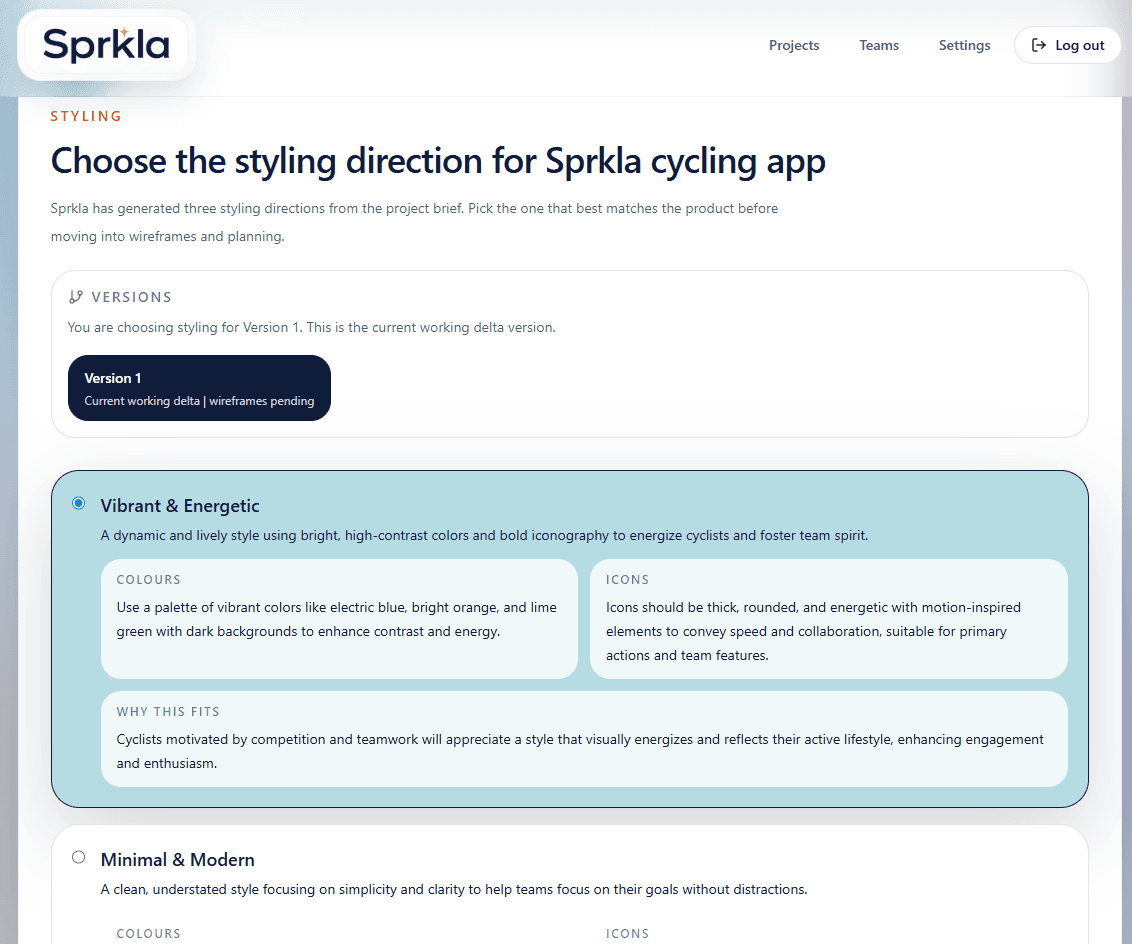
Style selection
Choose the visual direction that best fits the product before moving on to wireframes and planning.
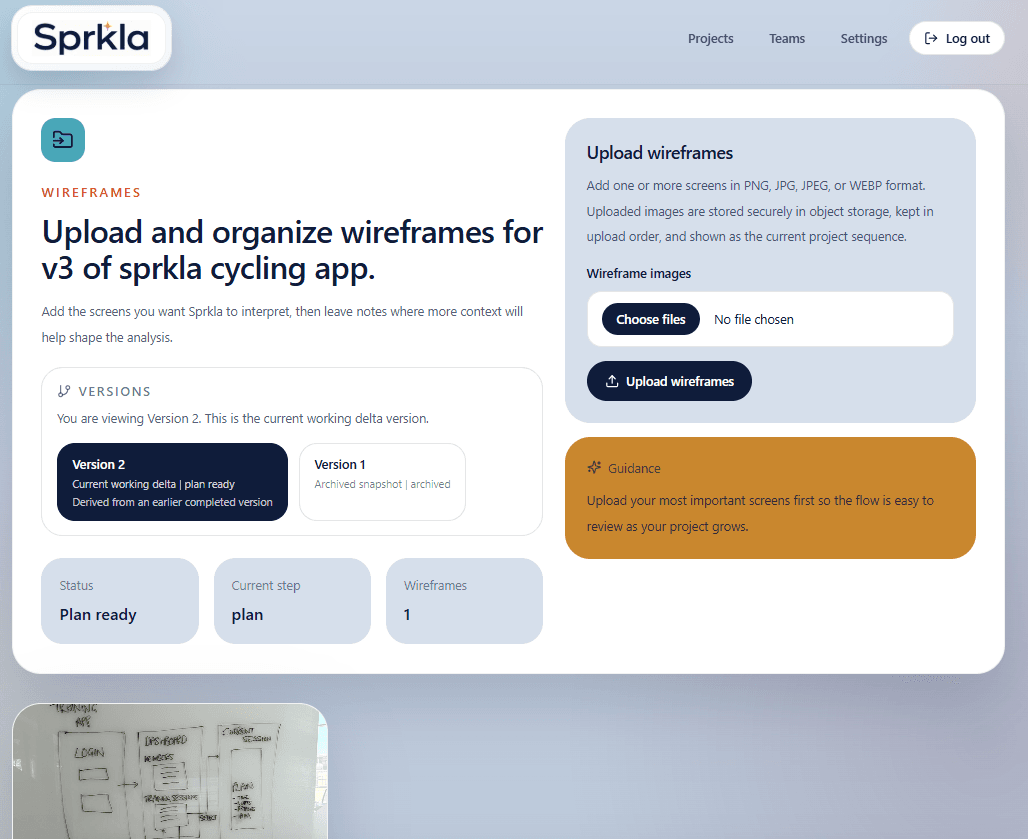
Wireframe upload
Upload the screens you already have and add notes wherever extra context will help.
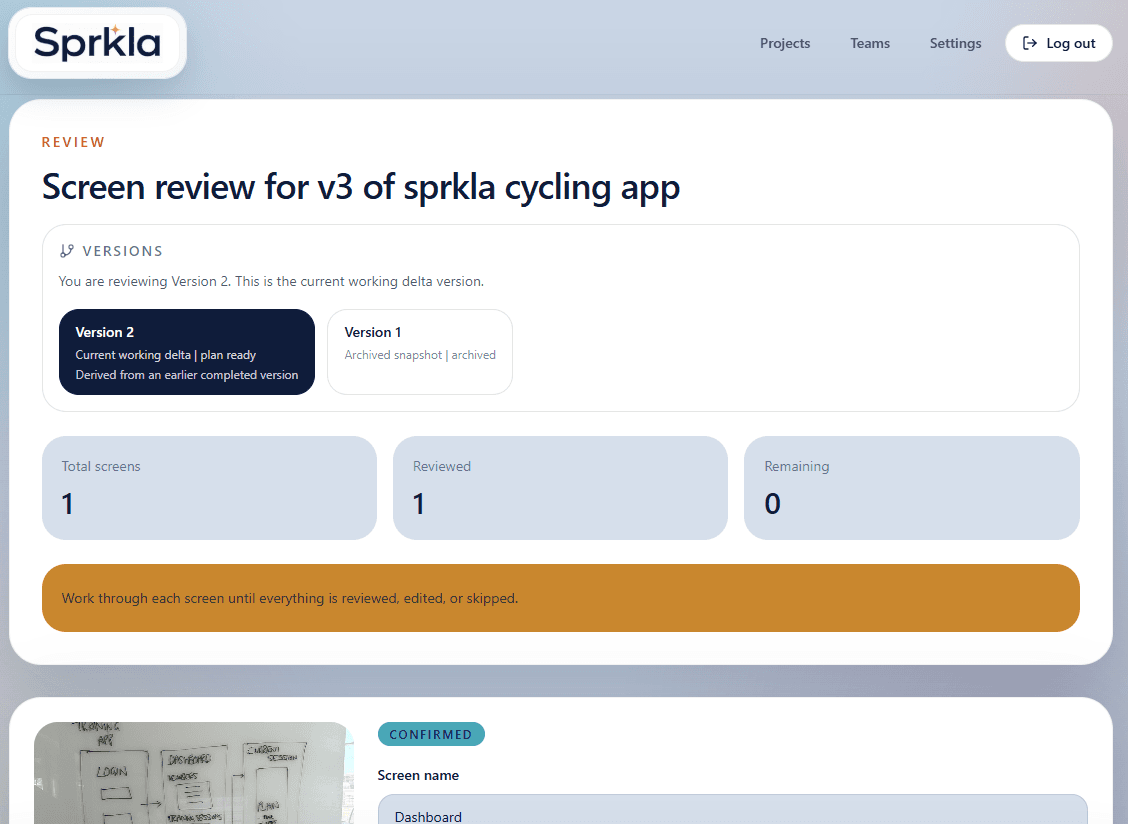
Review analysis
Sprkla explains how it interprets each screen so you can check the thinking before it becomes part of the plan.
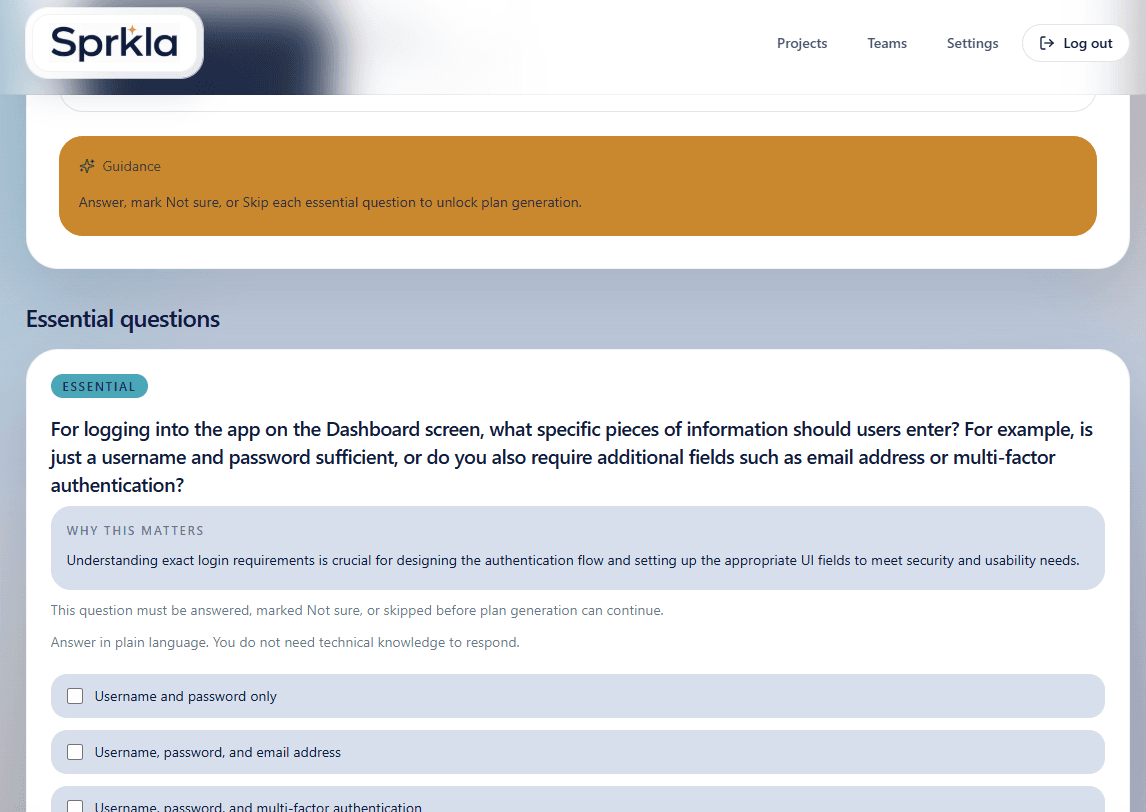
Clarification questions
Answer practical follow-up questions so the plan includes the detail a builder will need.
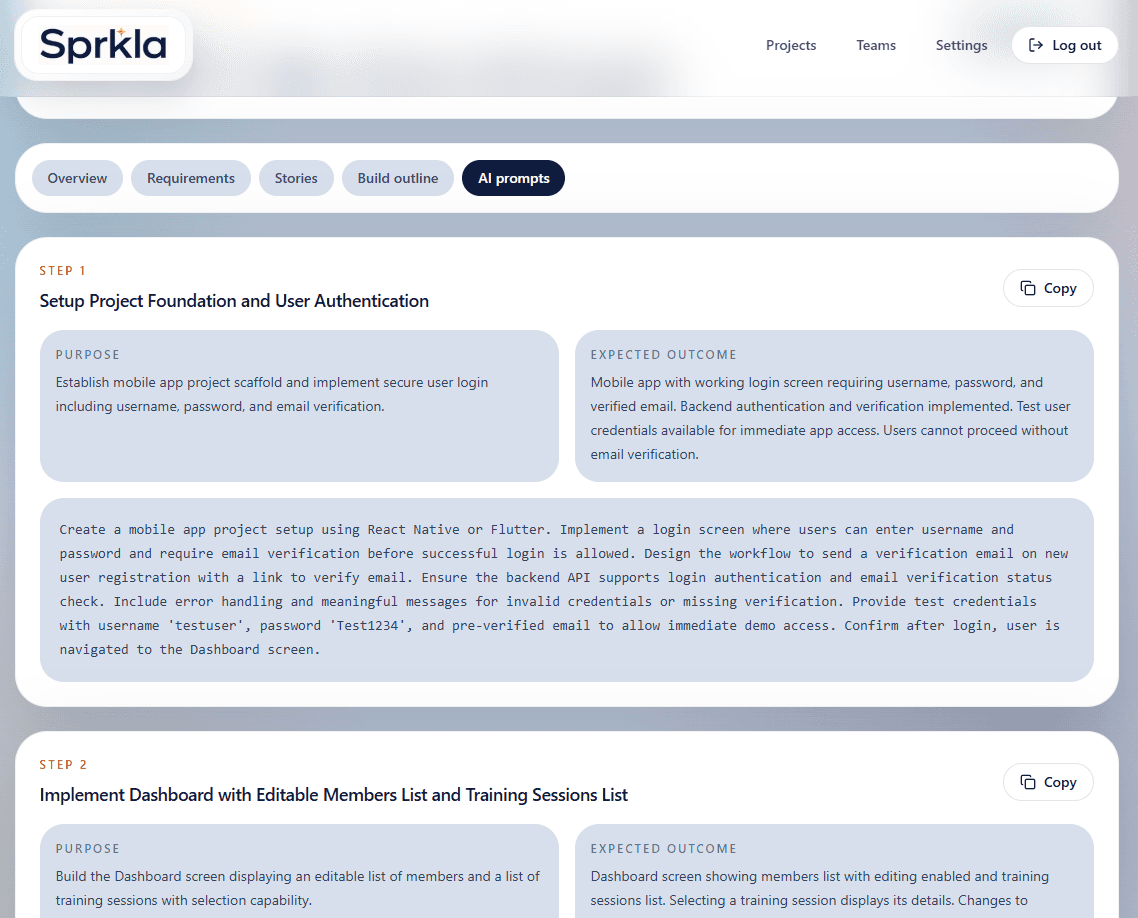
Generated plan
This is the output: a structured plan with requirements, stories, build steps, and AI prompts.
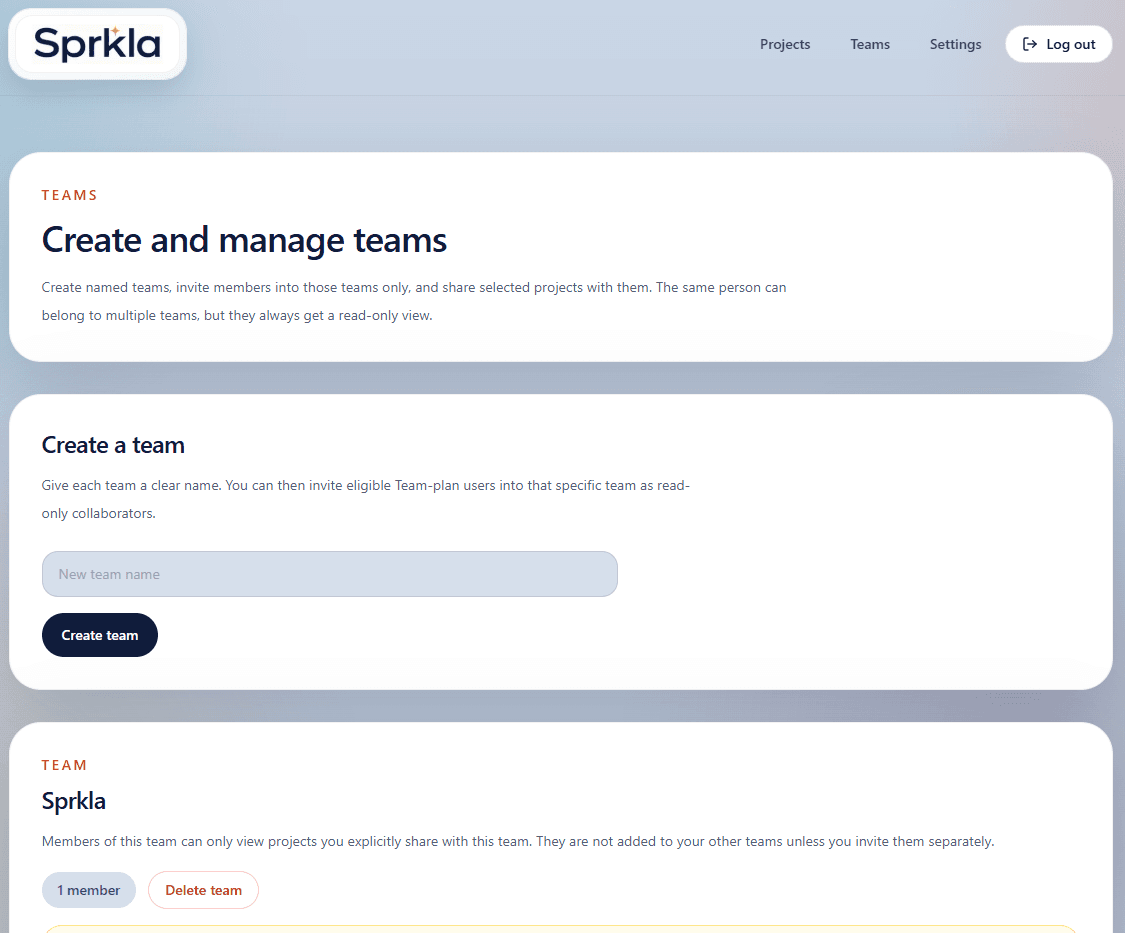
Teams and invitations
Create named teams, invite people into specific teams, and keep collaboration controlled and easy to understand.